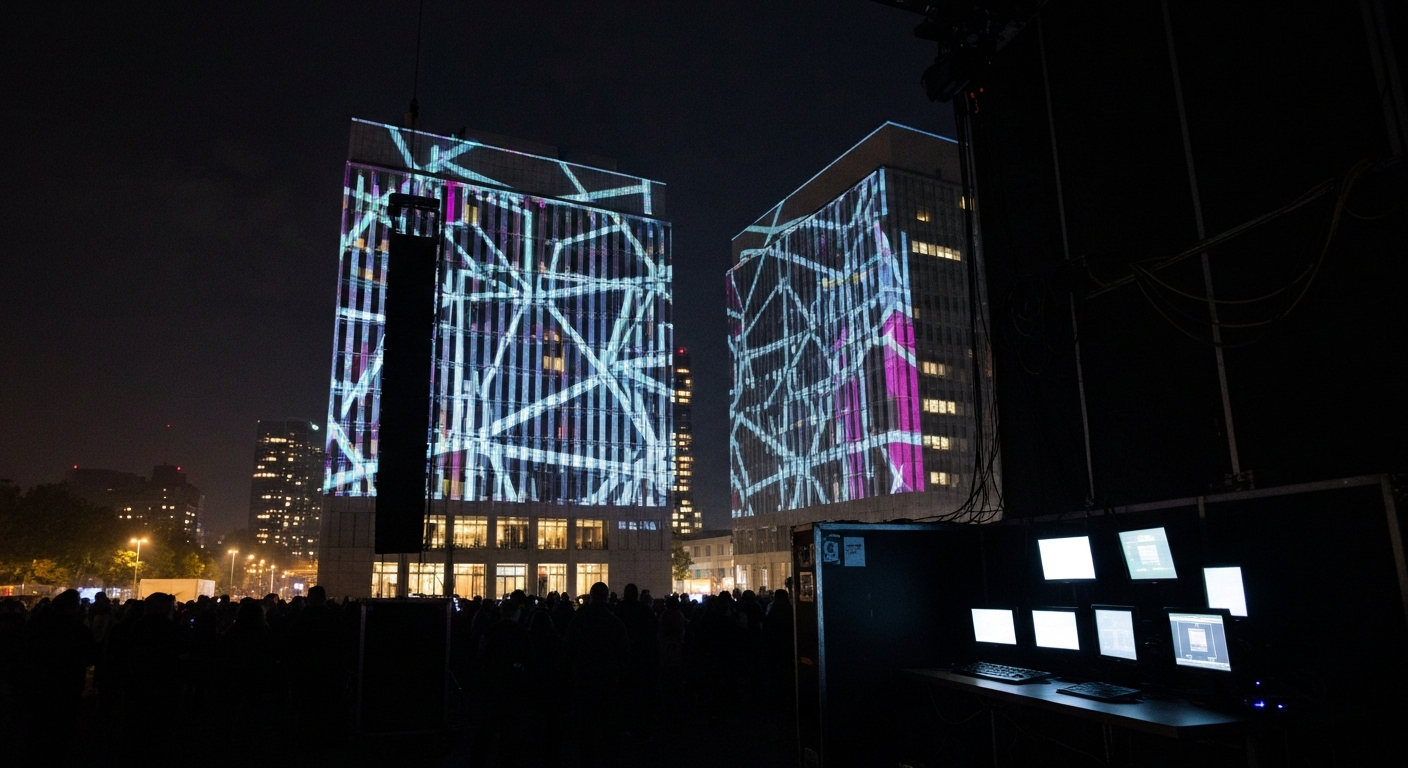
Projector edge blending is the trick behind almost every large immersive image you have ever stood inside. A 60-foot dome, a building facade, a 20,000 square foot mapped venue - none of them are lit by one projector. They are lit by six, twelve, or thirty-six, each throwing a slightly overlapping piece of the picture, and software stitching those pieces into what the audience reads as a single continuous surface.
When it works, nobody notices it exists. When it fails, it is the only thing anyone sees: a bright band running up the dome, a doubled edge on a logo, a seam that drifts a few pixels further apart every hour. Visitors who could not name a single projector spec will spot a bad blend from across the room, because the eye is extraordinarily good at finding straight lines and brightness steps in an image that is supposed to have neither.
This post covers how we approach multi-projector calibration on domes and mapping jobs: the vocabulary, the overlap math, the gamma mistake that causes most visible seams, the black-level problem software cannot fix, and why alignment is a daily task rather than a setup task.
The vocabulary, because vendors use it loosely
- Edge blending
- Overlapping the edges of adjacent projectors and ramping each one's brightness down across the overlap so the combined light output is even. The overlap region is called the blend zone.
- Warping
- Distorting each projector's output so its pixels land in the right place on the physical surface. On a flat wall this corrects keystone; on a dome or sculpture it maps a flat frame onto curved geometry.
- Blend ramp
- The brightness curve applied across the blend zone. Each projector fades out as its neighbor fades in, and the two ramps must sum to full brightness at every point once the projector's gamma is accounted for.
- Black-level uplift
- Projectors cannot emit true black, so where two images overlap, their two 'blacks' add up and the blend zone is visibly grayer than the rest of a dark frame. Software brightness ramps cannot remove light the projector emits at zero signal.
- Auto-calibration
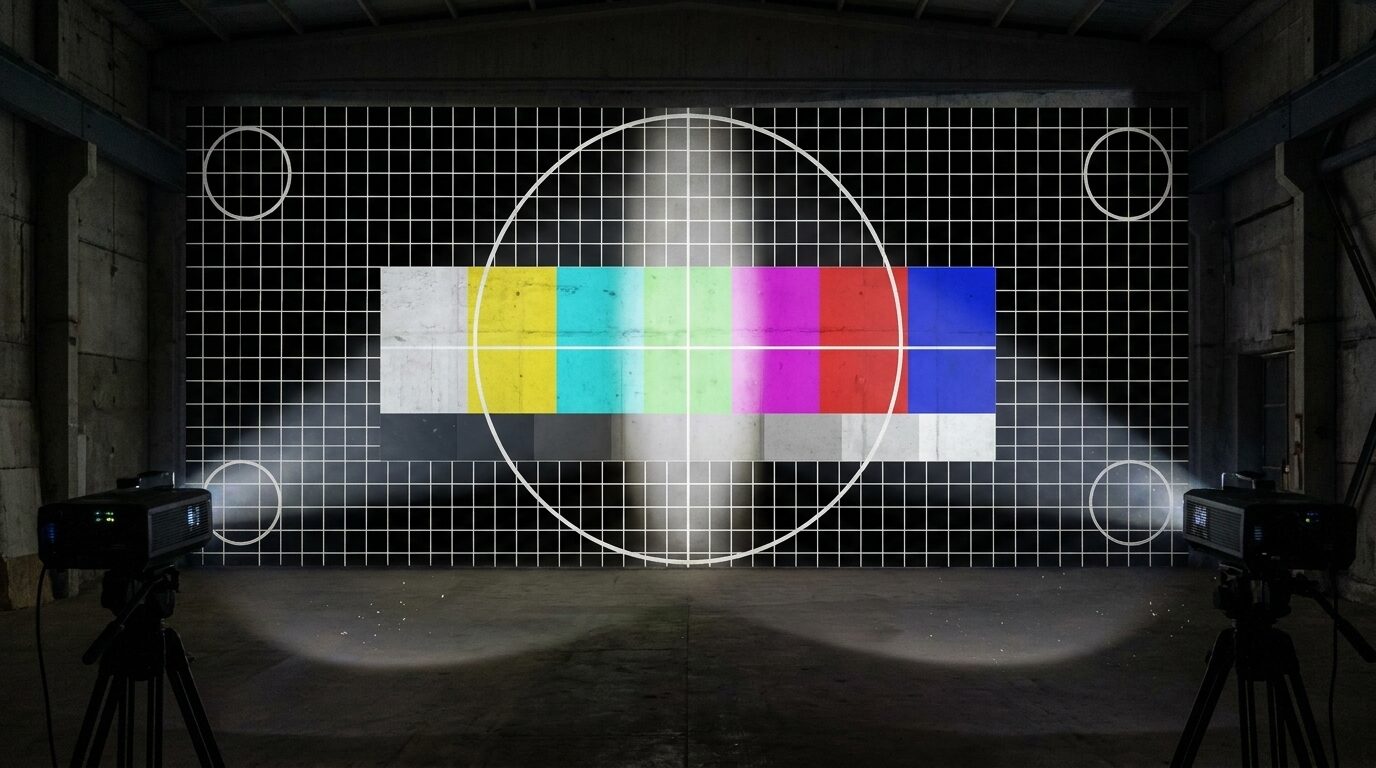
- Camera-based alignment: one or more cameras photograph structured patterns from each projector, and software solves the warp and blend from those images instead of a technician dragging grid points by hand.
- MPCDI
- The VESA Multiple Projection Common Data Interchange standard, a file format for moving warp and blend data between calibration tools and media servers so the work is not locked inside one vendor's software.
Overlap math: how much to give up
Every pixel in a blend zone is a pixel projected twice, so overlap costs resolution. The temptation on a tight budget is to shrink the overlap to squeeze more width out of the same projectors. Resist it. A narrow blend zone means a steep ramp, and a steep ramp turns every half-pixel of misalignment and every small brightness mismatch into a visible line.
The rule of thumb we plan against is 15 to 25 percent of each projector's width overlapping its neighbor. Four 1920-pixel projectors in a row with a 20 percent (384-pixel) overlap give 4 x 1920 - 3 x 384 = 6,528 pixels of usable width, not 7,680. That lost 15 percent is the price of a seam nobody can find, and it is almost always worth paying. Whatever the percentage works out to, we also hold a hard floor of 256 pixels: an 8-bit signal has 256 brightness levels, so a blend zone at least that wide gives the ramp one full step per pixel and no visible banding.
| Overlap | Usable width, 4 x 1920 px | Seam visibility | When to use it |
|---|---|---|---|
| 10% | 7,104 px | High - small errors show | Static flat walls with laser projectors and fixed rigging only |
| 15% | 6,816 px | Moderate | Flat or gently curved permanent installs |
| 20% | 6,528 px | Low | Default for domes and most mapping jobs |
| 25%+ | 6,240 px or less | Very low | Touring rigs, fabric surfaces, anything that moves |
On a dome the arithmetic gets less tidy, because each projector covers a curved patch and overlaps neighbors on two or three sides, but the principle holds. If you want to see how coverage and overlap trade off on a hemisphere before committing to a projector count, our free dome projection simulator lets you move projectors around a virtual dome and watch the blend zones change.
The gamma mistake behind most glowing seams
The most common blend failure is not misalignment. It is a seam that is perfectly aligned and still visibly brighter or darker than its surroundings. Almost every time, the cause is a blend ramp computed as if signal values were light.
Projectors are nonlinear. A signal value of 50 percent does not produce 50 percent of the light; on a typical display gamma of around 2.2 it produces closer to 22 percent. So if projector A fades linearly from 100 to 0 across the blend zone while projector B fades from 0 to 100, the two signals sum to 100 percent everywhere - but the light sums to well under 100 percent in the middle, and you get a dark band. Over-correct for it by eye and you get a bright one.
The fix is to design the ramp in linear light and then apply the inverse of the projector's gamma, so the light, not the signal, sums to one. Most serious tools do this, and expose a gamma or curve control on the blend for a reason: two projectors of the same model can still have slightly different response curves, and the blend has to be tuned to the hardware actually on the truss. We go deeper on projector response and why it differs from what a monitor shows in color in immersive work.
The black-level problem software can't fix
Even a perfect blend ramp only controls the light a projector emits in response to signal. At zero signal every projector still leaks some light, and in the blend zone that leak is doubled - tripled or quadrupled at a corner where several projectors meet on a dome. On bright content you will never see it. On a night sky, a fade to black, or a slow dark ambient piece, the overlap shows up as a faint gray grid printed across the surface.
There are three ways to deal with it, and they stack. First, black-level compensation: raise the floor of everything outside the overlap to match the brighter blend zone. This hides the seam at the cost of contrast across the whole image, which is the right trade on most jobs. Second, choose projectors with better native contrast, which mostly means laser phosphor or RGB laser over lamp, and keep the venue as dark as possible - the same argument we make in why dark venues matter. Third, on permanent installs, physical blend masks in front of the lens that optically attenuate the overlap, which handles black where software cannot but has to be fabricated and set per projector.
The content team can help too. A show that lives mostly in deep blacks is choosing the hardest possible case for a multi-projector surface. Lifting the darkest values a few percent, or keeping a faint texture in the sky instead of pure zero, costs the artist almost nothing and makes the seams disappear.
Manual alignment vs camera-based calibration
There are two ways to build a warp. The manual way is a technician in the room with a laptop, dragging control points on a grid until each projector's test pattern lines up with its neighbors and the physical surface. Media servers like Resolume Arena, disguise, and Watchout all include warp and blend tools that work this way, and for two to four projectors on a flat or simply curved surface it is fast and entirely adequate.
Past about six projectors, or on any compound curve like a dome, manual alignment stops scaling. Every point you move on one projector shifts its relationship with every neighbor, and a 16-projector dome aligned by hand can eat a full night and still be visibly wrong at the junctions. This is what camera-based auto-calibration from vendors like VIOSO, Scalable Display Technologies, and domeprojection.com is for: cameras photograph a sequence of structured patterns from every projector, software reconstructs where each pixel physically lands, and the warp and blend are solved together. A re-calibration that took a night becomes a few minutes, which changes how often you are willing to do it.
The cost is real - licenses, cameras that have to be mounted somewhere with a view of the whole surface, and setup time on day one. On a permanent multi-projector venue it pays for itself the first month. On a two-projector gallery wall it is overkill. On the Multiversal Dome, a 60-foot dome running headline acts across four festival nights, surveying the geometry and building a proper blend across the hemisphere was the single biggest piece of on-site technical work, and it is what everything else depended on.
Why alignment is a nightly job
A perfect calibration at 4 p.m. is not a perfect calibration at 11 p.m. Projectors and their mounts heat up and expand. Truss settles under load. Laser and lamp output drift as units warm and age, at slightly different rates per unit. A fabric dome breathes with temperature and wind, and moves when anyone leans on the frame. Each of these is a few pixels at most, but a few pixels is exactly the size of error that turns an invisible seam into a visible double edge.
- Let the rig warm up for at least 30 minutes before final alignment, so you calibrate the projectors in the state they'll run in.
- Lock everything mechanical: safety-cabled projectors, clamps torqued, nothing hung from a member that people will touch.
- Store every calibration with a date, so if tonight's alignment is worse you can roll back to last night's instead of starting over.
- Run a 10-minute grid and gray check before doors every show day. On touring and fabric structures, plan a touch-up pass, not a hope.
A blend is not something you set up. It's something you maintain, the same way a sound engineer doesn't EQ the room once and walk away for the season.
This is also one of the strongest arguments for a live operator on multi-projector shows. A person watching the surface catches a drifting seam on a dark cue and can nudge it in a minute; an automated playback system will run that seam all night. We make the broader case in why live operators still beat automation.
Frequently asked questions
How much overlap do projectors need for edge blending?
Plan for 15 to 25 percent of each projector's width overlapping its neighbor, with 20 percent as a safe default, and never less than 256 pixels so an 8-bit ramp gets one brightness step per pixel. Less overlap means a steeper blend ramp, which makes small alignment and brightness errors visible. Touring rigs and fabric surfaces that move should sit at the high end.
Why is the blend zone brighter or darker than the rest of the image?
Usually because the blend ramp ignores projector gamma. Signal values are not light: at a typical gamma of 2.2, half signal gives roughly a fifth of the light, so linear ramps leave a dark band. Design the ramp in linear light and correct for the projector's response, then verify on a flat mid-gray frame.
Why can I still see the seams on dark content?
Black-level uplift. Projectors emit some light even at zero signal, and that light adds up wherever projectors overlap. Software blending can't remove it. Raise the black level outside the overlaps to match, use higher-contrast laser projectors, darken the venue, or use physical blend masks on permanent installs.
Do I need camera-based auto-calibration?
For two to four projectors on a flat or simple curved surface, manual warping in your media server is fine. For six or more projectors, a dome, or any compound curve, camera-based calibration turns a night of manual work into minutes and makes daily re-alignment practical.
How often should a multi-projector setup be re-aligned?
Check it every show day. Heat, settling truss, and drifting light output all move the image by a few pixels, which is enough to show a seam. Permanent installs with laser projectors on rigid mounts may only need touch-ups weekly; touring rigs and fabric domes need a check before every show.
Calibration is part of every dome and mapping job we deliver, planned alongside the projector layout rather than left for load-in day. The projection domes and projection mapping capability pages cover how we scope it, and the Ferrari event shows the far end of the problem: real-time content running across a 36-projector array. For the content side of the same surface, designing for curved surfaces picks up where this post leaves off.